Reports & Records
The backward-looking counterpart to Operations — what happened, attributed and exportable, rather than what’s live right now.
Audit Log
Every action taken in PatchPilot — by an engineer, a schedule, or a background process. Actions are shown by default; switch to All events to include the raw Microsoft API traffic behind them. Every entry records the engineer, tenant, endpoint, method, a hash of the payload (never the raw payload), response status, latency, and timestamp.
Inventories
Every software title Defender reports installed across a tenant’s devices — the full inventory a finding is matched against, independent of whether anything is currently vulnerable. Click a title to see which devices have it installed and whether it’s up to date.
Remediation History
Every closed finding, attributed to the device, technician, and job that closed it where one could be identified — the audit trail behind the dashboard’s time-to-remediate metric. Some entries are marked as re-catalogued rather than fixed, when Defender relabels a finding under different software without anything actually changing on the device.
Reports
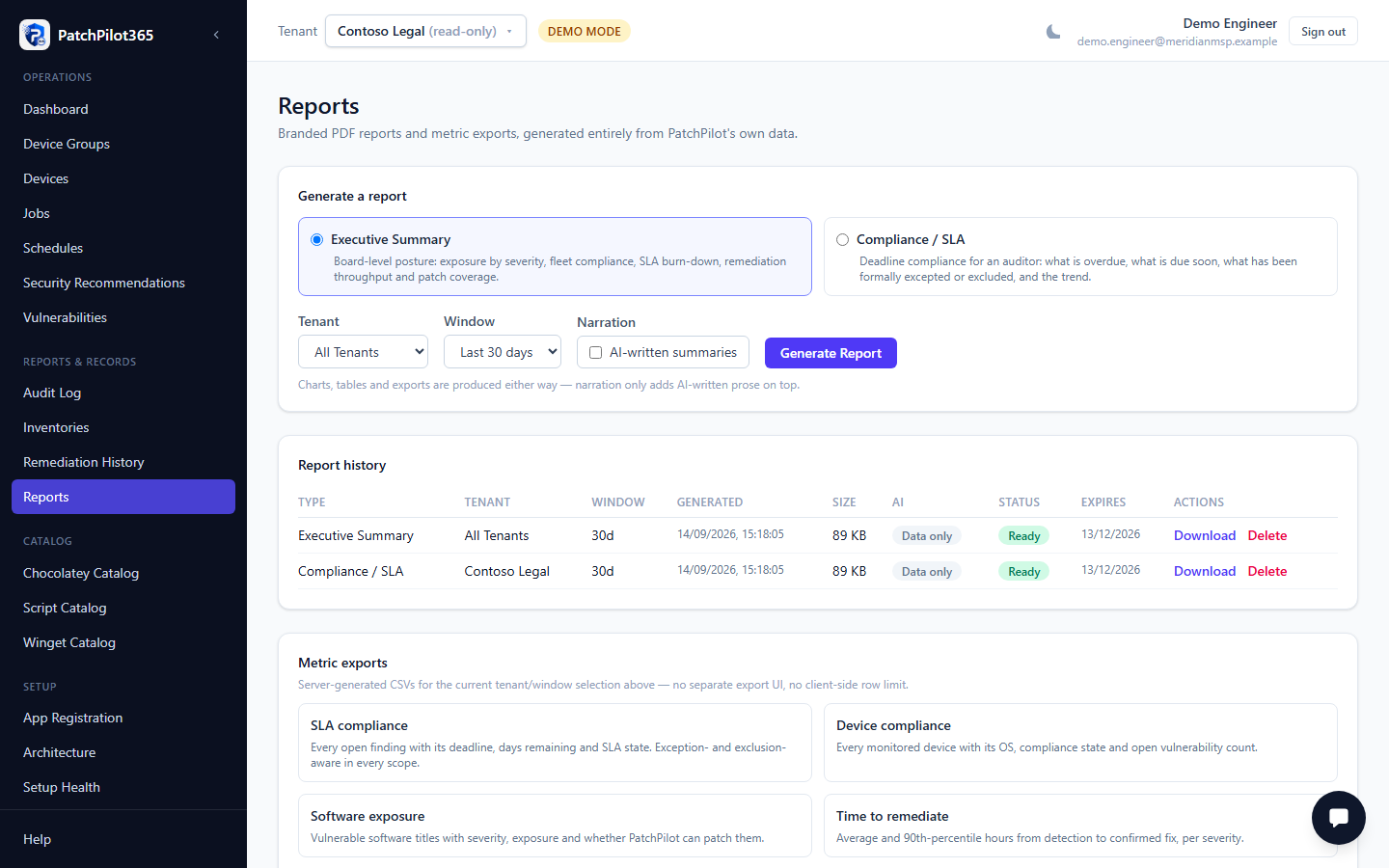
Branded PDF reports and CSV metric exports, generated entirely from PatchPilot’s own data — nothing external is called to produce a report. Available today: Executive Summary and Compliance/SLA PDF reports, plus five CSV exports (SLA compliance, device compliance, software exposure, time-to-remediate, posture trend).
AI narration is a separate, additive toggle on top of the deterministic
report — it needs both AI_FEATURES_ENABLED=true and the signed-in
engineer’s ai:use permission. With it off, every section still renders
from the report’s own deterministic captions; with it on but the AI model
unreachable, the report still completes without narration rather than
failing outright.
Any role with operations:read (every role except none — Reader included)
can generate reports.